
01
シーンを選ぶ
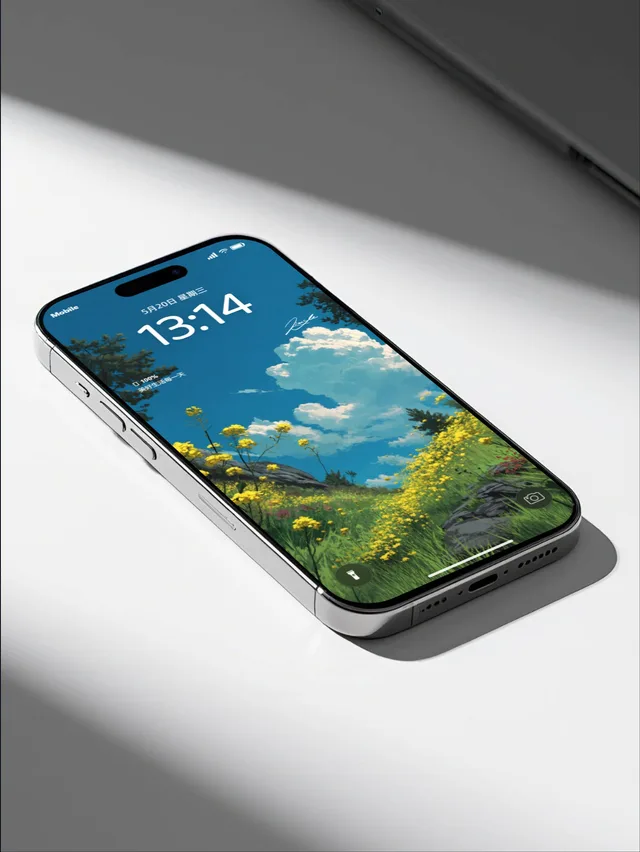
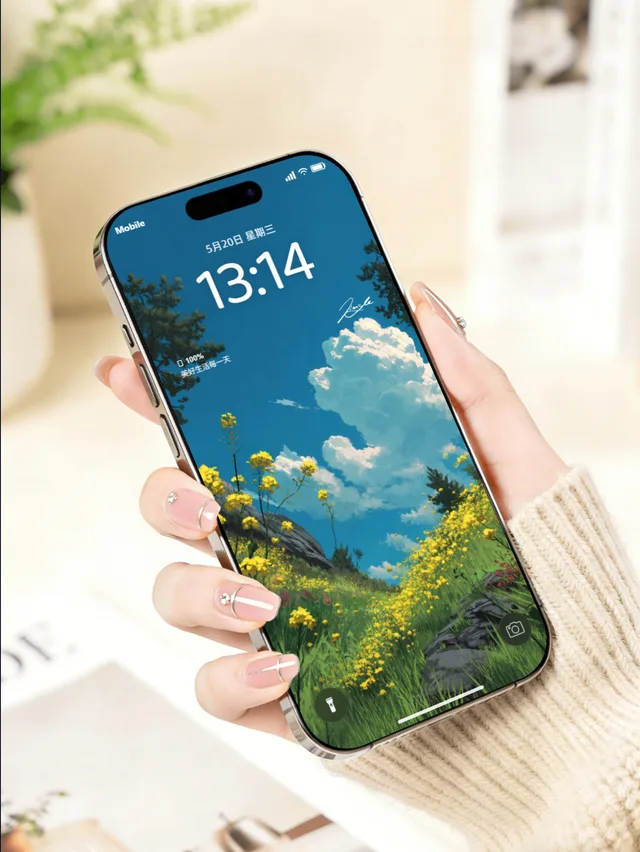
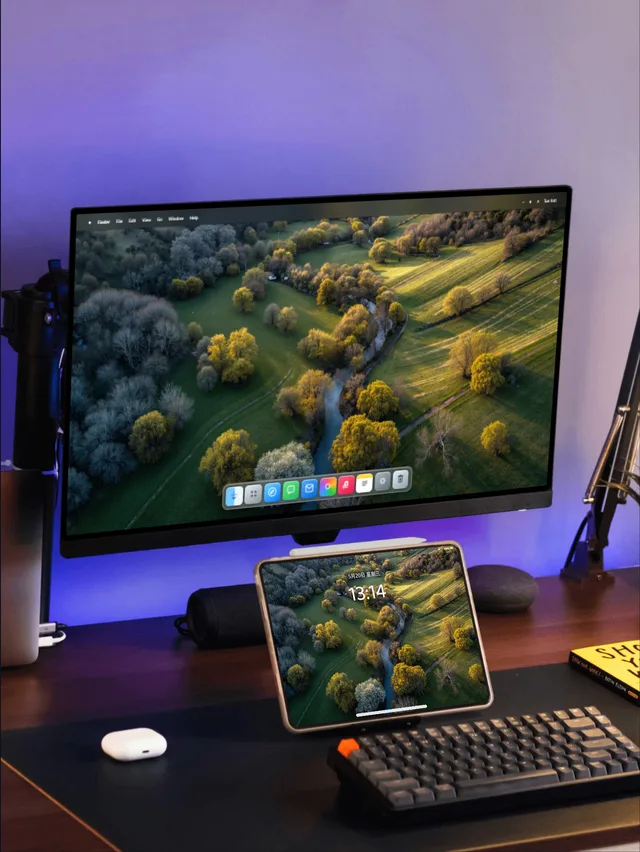
iPhone、iPad、Mac、Watch、折りたたみ端末などのテンプレートを選べます。
壁紙をもっと魅力的に見せる
デバイスのシーンを選び、デザインと細部を調整。ストアやSNS向けの画像を書き出せます。
壁紙はブラウザ内で処理されます。ログインするとプリセットと画像透かしを同期できます。
Real device frames
Multi-device scenes
Format-ready exports
Built in your browser
MockupOpen workflow
Choose a scene, refine the details, and export work that is ready to publish — no complex design setup required.
01
iPhone、iPad、Mac、Watch、折りたたみ端末などのテンプレートを選べます。
02
トリミング、端末、時間、ウィジェット、文字、背景をリアルタイムに調整。
03
SNSやポートフォリオ用に高品質PNGを出力。
Templates
Browse desktop, handheld, manicure and multi-device scenes in one row. Every template opens directly in the studio.
Inside the studio
Upload a wallpaper, then tune the device, system interface, scene and output format. Every change appears in the composition instantly.
Start with iPhone, iPad, Mac, Watch, foldable and multi-device templates, then adjust your wallpaper framing.
Set lock or home screens, time, date, widgets, device finish, backgrounds, text and layered watermarks.
Choose social-ready formats, export crisp PNG batches and save common configurations for later.
Ready to publish
Select the format you need, keep the device, background and watermark in balance, then export a crisp final image.
During the free launch period, start with your first device visual — no account required.