
01
장면 선택
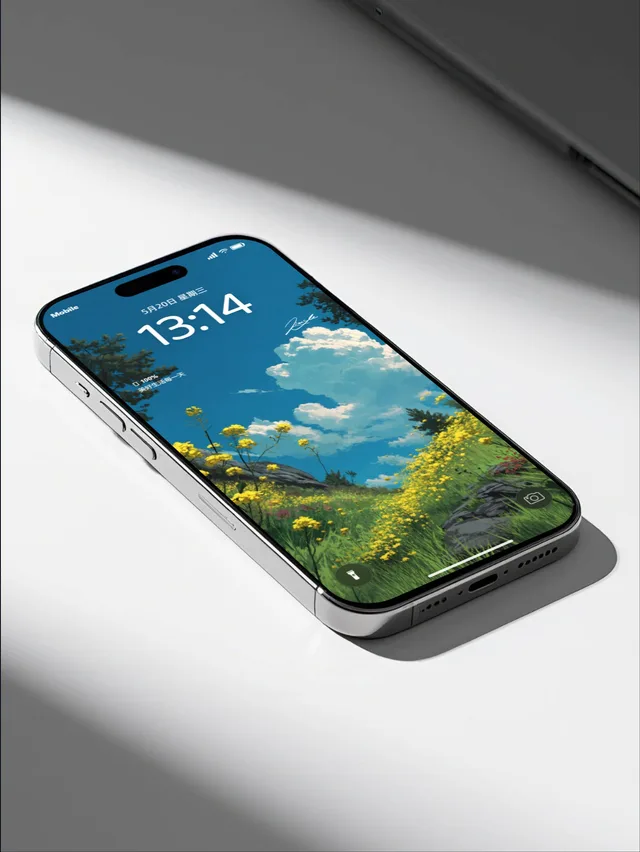
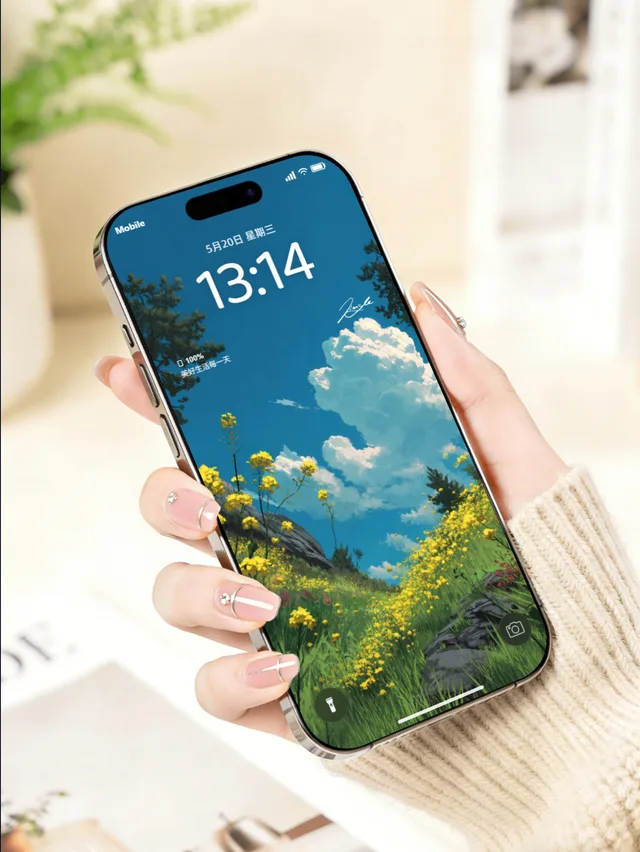
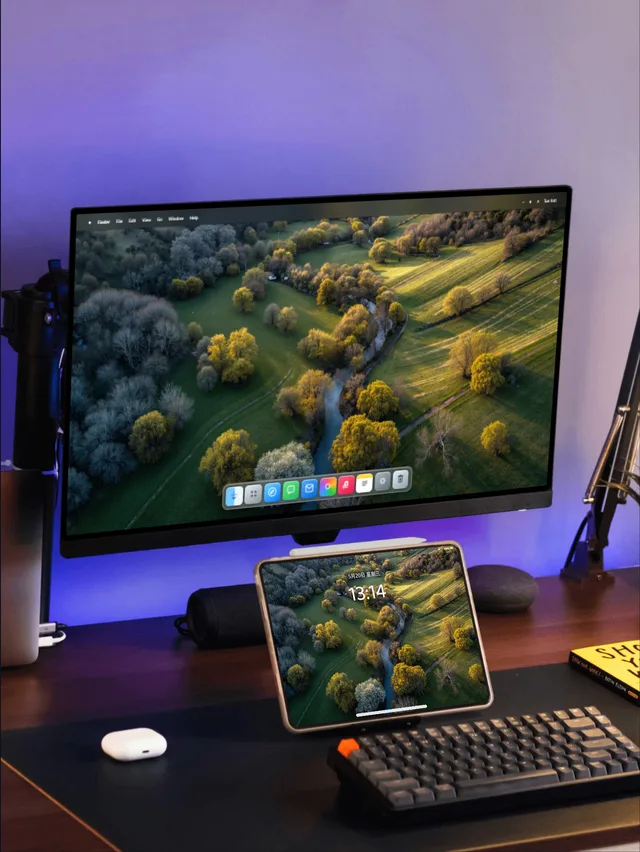
iPhone, iPad, Mac, Watch, 폴더블 및 멀티 디바이스 템플릿을 고르세요.
배경화면을 더 설득력 있게
기기 장면을 선택하고 디자인과 세부 설정을 조정하세요. 스토어와 SNS에 사용할 이미지를 내보낼 수 있습니다.
배경화면은 브라우저에서 처리됩니다. 로그인하면 프리셋과 이미지 워터마크를 동기화할 수 있습니다.
Real device frames
Multi-device scenes
Format-ready exports
Built in your browser
MockupOpen workflow
Choose a scene, refine the details, and export work that is ready to publish — no complex design setup required.
01
iPhone, iPad, Mac, Watch, 폴더블 및 멀티 디바이스 템플릿을 고르세요.
02
크롭, 기기 마감, 시간, 위젯, 텍스트와 배경을 조정합니다.
03
선명한 PNG 또는 작은 배치를 내보냅니다.
Templates
Browse desktop, handheld, manicure and multi-device scenes in one row. Every template opens directly in the studio.
Inside the studio
Upload a wallpaper, then tune the device, system interface, scene and output format. Every change appears in the composition instantly.
Start with iPhone, iPad, Mac, Watch, foldable and multi-device templates, then adjust your wallpaper framing.
Set lock or home screens, time, date, widgets, device finish, backgrounds, text and layered watermarks.
Choose social-ready formats, export crisp PNG batches and save common configurations for later.
Ready to publish
Select the format you need, keep the device, background and watermark in balance, then export a crisp final image.
During the free launch period, start with your first device visual — no account required.